
Tutorial: Building a 3D Amazon Ad from Scratch with AI
No camera. No crew. Just a laptop and the new Veo 3.1 model. Here is the exact SOP I used to build the “Nebula” campaign.

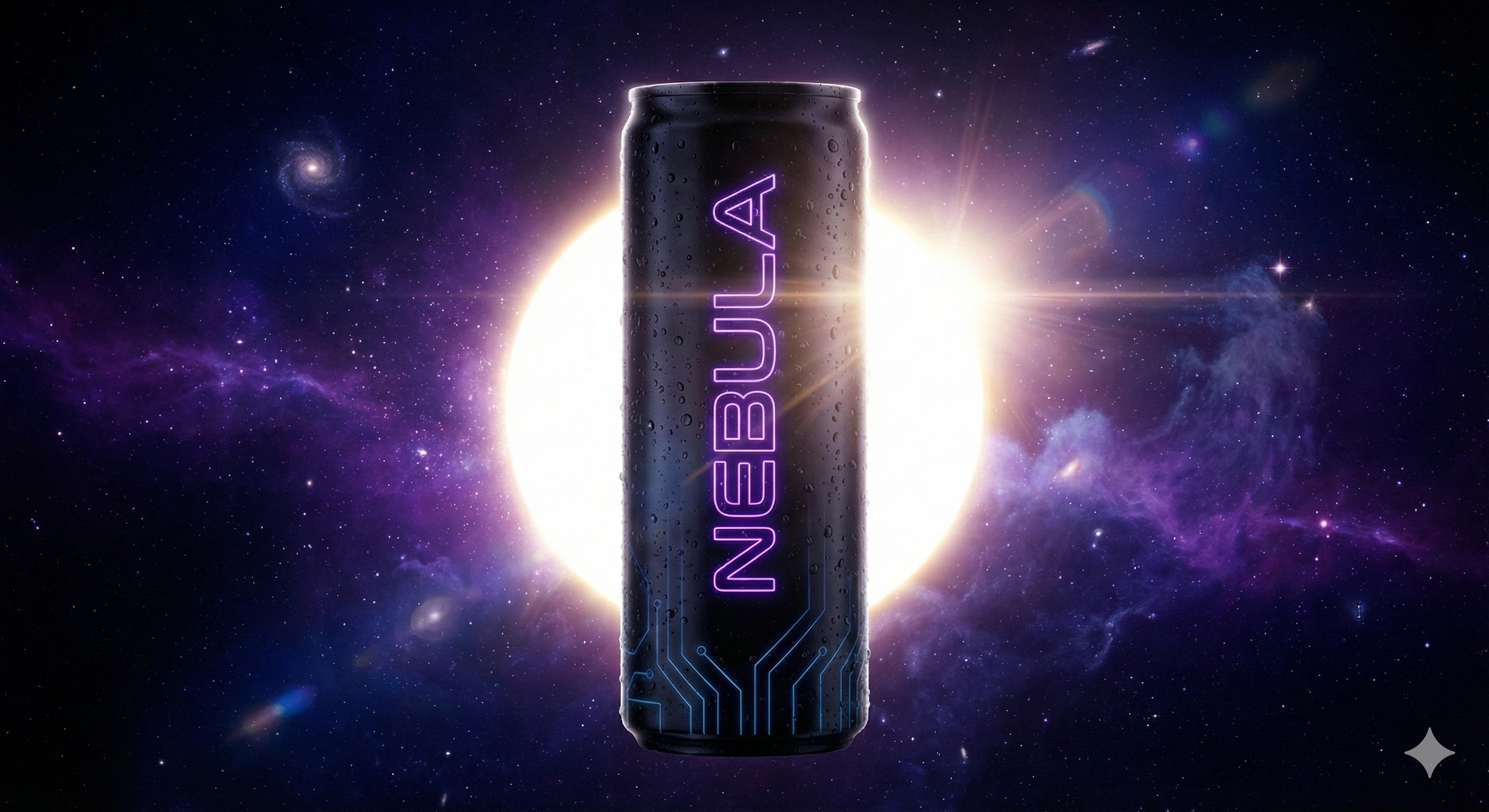
The “Scroll-Stopper” Problem
If you sell on Amazon or run social ads, you know the drill. To get someone to stop scrolling, you need high-end, 3D motion graphics. You need the product floating in zero gravity, ingredients exploding in slow motion, and liquid physics that look like a Super Bowl commercial.
Usually, that costs $5,000 and takes three weeks of rendering time.
Last night, I built one in 10 minutes. For free. ( well almost free, I think it cost about $3 )
I want to show you exactly how I did it using a new workflow I call “The Impossible Ad Framework.” I’m going to use a fictional energy drink brand I invented called “Nebula” to demonstrate the process, but you can use this for protein powder, skincare, or tech gadgets.
Here is the breakdown.
Step 1: The “Anchor” (Separation of Church & State)
The biggest mistake people make with AI video is trying to do everything at once. They ask the video model to “Make a video of a Nebula energy drink.”
Don’t do that. Video AI is amazing at movement, but it is terrible at spelling. If you ask it to generate your logo, it will hallucinate the letters.
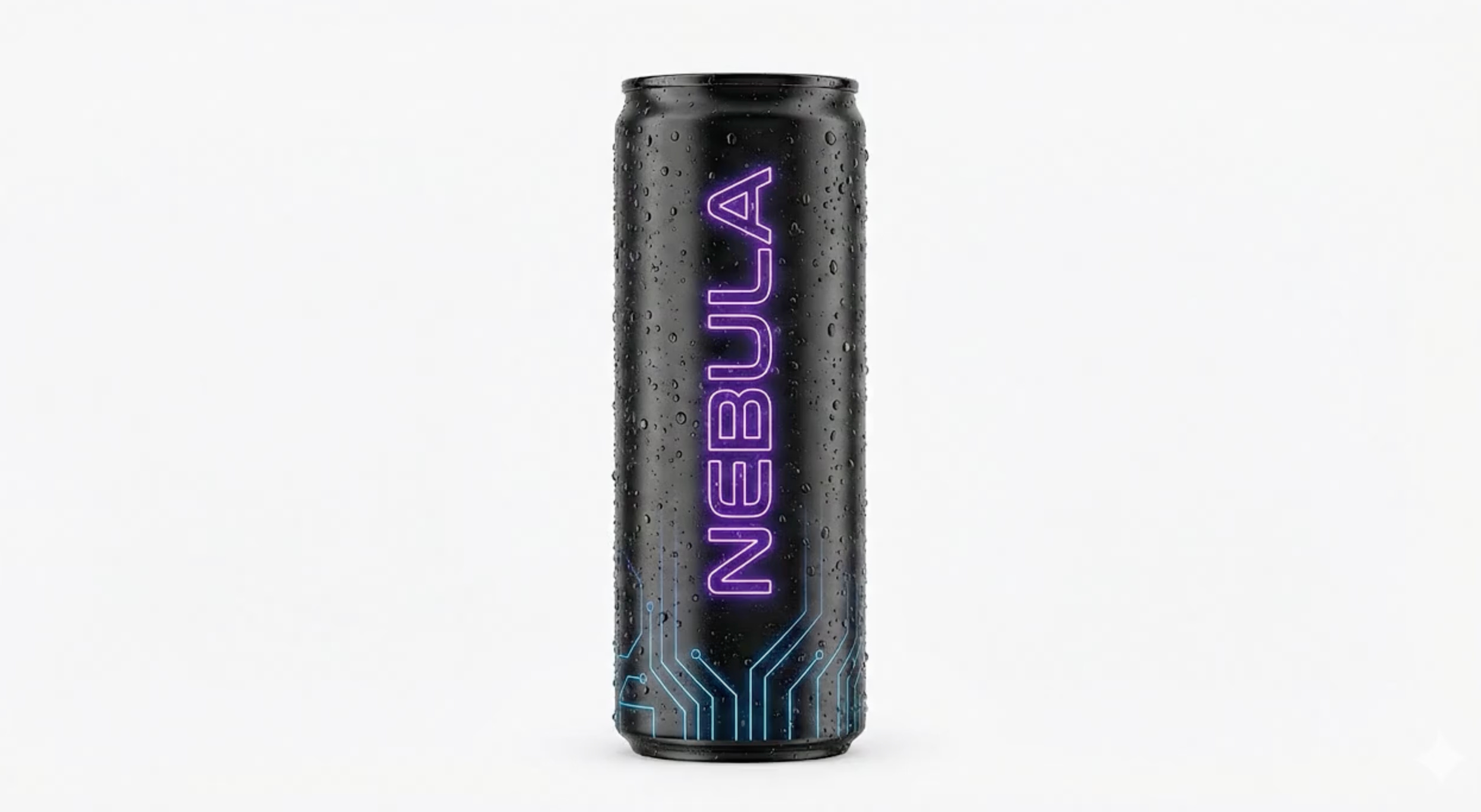
Instead, we use an Image Generator (like Midjourney or Gemini) first to create a perfect, static “Anchor Image.”
Note: You can use your Main Image on Amazon for this
The Prompt I Used:
“Professional product photography of a single sleek matte-black slim beverage can. The word ‘NEBULA’ is written vertically in glowing neon-purple. Fresh condensation. High-key studio lighting, isolated on a solid plain white background. 8k resolution.”
The Result:
Step 2: The Engine (Google Veo 3.1)
Once I had my anchor image, I went to Google AI Studio and selected the Veo 3.1 model.
This is the secret sauce. Veo 3.1 has incredible “physics” understanding. It knows how liquid splashes, how ice cracks, and how objects float in zero gravity.
I uploaded my Anchor Image and used a “Physics-Based” prompt. I didn’t describe the product (the image did that); I described the action.
The Video Prompt:
“Cinematic 3D product commercial. The can spins slowly in zero gravity. Surrounding it, crystalline ice cubes and glowing purple blackberries explode outward in slow motion. A ribbon of violet liquid swirls helix-like around the can. Rim lighting, 4k resolution, Unreal Engine 5 render style.”
One thing I hate is having to edit video even further for Amazon requirements, below is what to include i the prompt:
Tech specs to include:
Video dimensions	1280x720, 1920x1080, or 3840x2160px
File size	500MB or less
Aspect ratio	16:9 (square pixel) only
Video codec	H.264 or H.265
Video profile	Main or Baseline
Frame rate	23.976, 23.98, 24, 25, 29.97, 29.98, or 30fps
Video bit rate	Minimum 1 Mbps (4 Mbps or higher recommended)
Video scan type	Progressive
Audio codec	PCM, AAC, or MP3
Audio format	Stereo or mono
Audio bit rate	Minimum 96 kbps
Audio sample rate	Minimum 44.1khz
The Result:
Look at the liquid physics. Look at the lighting. That used to take a team of animators days to build. Veo did it in 40 seconds.
Step 3: The Psychology (The Script)
Pretty visuals stop the scroll, but copy gets the sale.
I don’t just throw random text on the screen. I use a specific 3-step script formula designed to validate the customer’s pain before selling them the solution.
The “Nebula” Script:
The Hindsight Hook (0:00): “Weird how your ‘energy’ drink always makes you tired by 2 PM.” (Expose the blind spot).
The Validation (0:03): “You didn’t need more caffeine. You needed better fuel.” (Remove the guilt).
The Simple Path (0:06): “Nootropics + Hydration. Zero Crash. Welcome to the future.” (Present the new solution).
Step 4: The Assembly
Finally, I dragged the AI video into CapCut.
Since I generated the “Anchor Image” on a white background, the AI kept the edges perfectly clean. I added a deep space background, overlaid the script text, and added some “Whoosh” and “Liquid Pour” sound effects to sell the realism.
Total time: ~20 minutes.
Total cost: ~$3.
Want to try this yourself?
I put together a complete “Impossible Ad” SOP that breaks this down step-by-step. It includes:
The exact prompts for Veo (Exploded Views, Impact Shots, etc.).
The 3-Step Scripting Templates.
How to fix glitchy logos in post-production.
LINK: Download the Master SOP Here - make a copy to edit
LINK: Watch the Full Nebula Video Example Here in Canva
The barrier to entry for high-end creative is gone. The only limit now is your strategy.
Here is the deal… I did use AI to help me with this post ( this right here is not AI written) I used it so I can do something that usually takes me an hour to do it in half the time. The best part.. its not slop this is everything I did, hours of work condensed into a quick read / blueprint to make rad videos. I sure hope I see one like this on Amazon soon.
Here is another deal, will you have to put some work in it? Yes, but at the same time once you do the process a few times it will only get easier. Heck, you might even be abel to make the process faster than me. I hope so.
Going forward I am going to use my field notes as just that… what I am doing with AI, how it is helping me. I will share the journey of what I am doing, and the end goal is simple: Use AI to make it so I have more time to do do the things outside of work that I like to do.. while scaling my business. It’s quite simple… Im a solo guy with a book of business of about $20k MRR. I want to get to $30k and eventually $40k while not loosing my mind. You know how I am going to do it? Im going to tinker with AI and make my own virtual assistant / employee, minimize my expenses on software in the Amazon space and expanding my offerings. I see gaps in the market when it comes to what Brands and Sellers need on the marketplace and I am currently working to fill those gaps.
I will no longer paywall the juicy posts… You can implement everyone of these and get awesome results, tinker and try to gain some time back while the output stays the same or increases. If you feel that someone you know would like this… then do me a favor send them this post and have them subscribe for free.
While my post will be focused in the Amazon space anyone can take the ideas and implement similar ones in whatever field they are in.
Appreciate you reading this and appreciate you!
- Brett Bohannon